
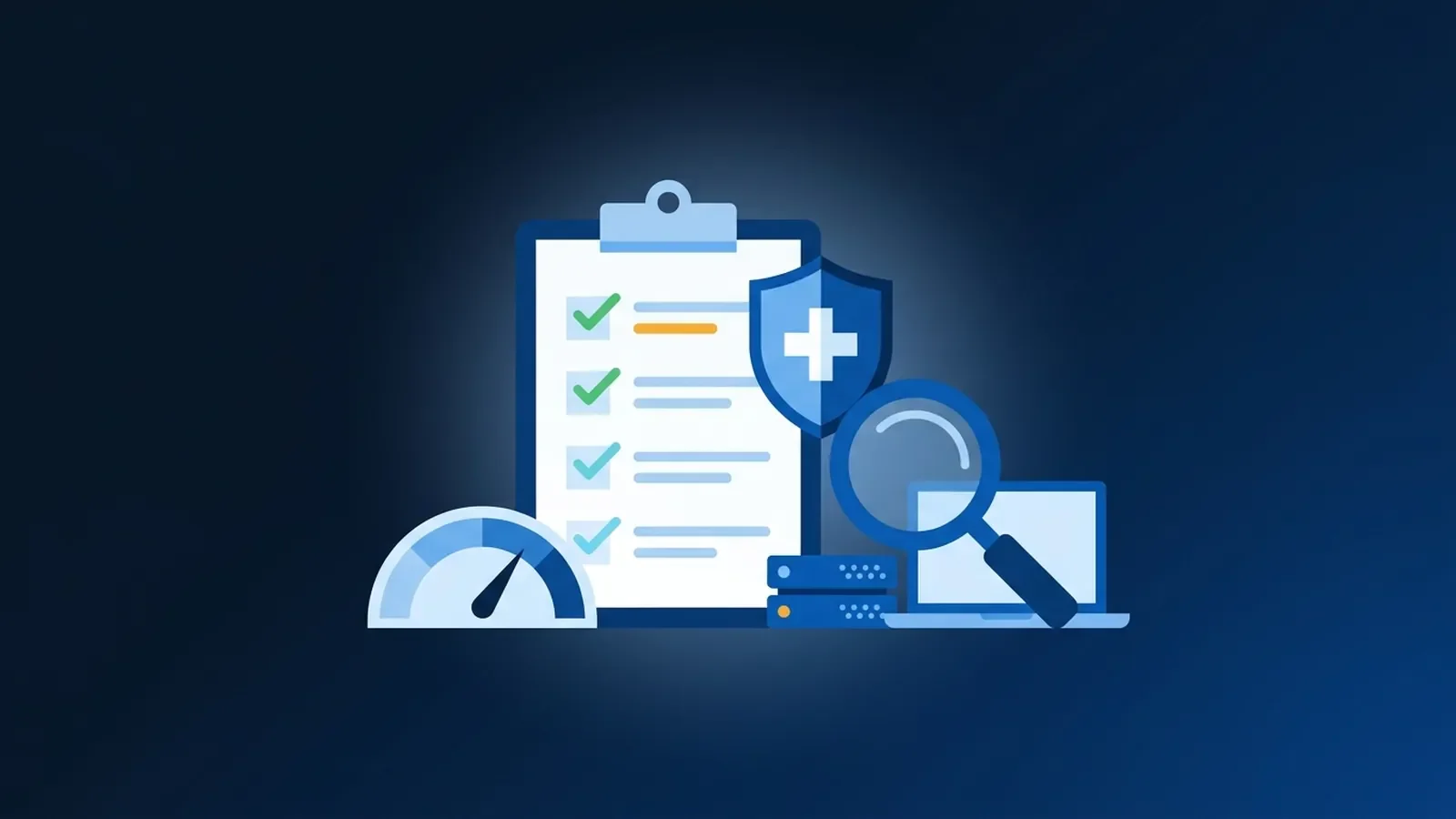
If your practice has ever been asked for its HIPAA risk assessment and someone went looking through a filing cabinet, this is for you. The risk analysis is the one HIPAA Security Rule task that almost everything else depends on, and it's the first thing the Office for Civil Rights (OCR) asks for after a breach.
Here's what it is, what's changing (and what isn't) in 2026, and a checklist you can work through.
What the rule actually requires
The Security Rule makes risk analysis a required implementation specification, not an optional one. In the regulation's words, you must conduct "an accurate and thorough assessment of the potential risks and vulnerabilities to the confidentiality, integrity, and availability of electronic protected health information" (45 CFR 164.308(a)(1)(ii)(A)). The very next specification requires risk management: actually reducing the risks you found to a reasonable level.
Two things people miss:
- It's not a one-time project. HHS expects it to be reviewed and updated as your environment changes: a new EHR, a new office, staff working from home, a new cloud service.
- Documentation has to be kept for six years from when it was created or last in effect (45 CFR 164.316(b)(2)).
What's different in 2026
OCR is enforcing it. Since late 2024 OCR has run a Risk Analysis Initiative, and it has kept announcing settlements through 2025 and 2026. In case after case, the finding is the same: the organization hadn't done an accurate and thorough risk analysis before the incident. One example is OCR's 2025 settlement with an accounting firm acting as a business associate, which followed a ransomware attack.
The big Security Rule update is still a proposal. HHS published a proposed overhaul of the Security Rule in January 2025 that would spell out much more detail, including a written technology asset inventory and network map. As of October 2026 it has not been finalized, and federal planning documents point to 2027 at the earliest. The current rule is fully in effect in the meantime. A risk analysis done well today, with an asset inventory, puts you ahead either way. HHS's own summary is on the Security Rule NPRM fact sheet.
The checklist
1. Define the scope
- Every location: main office, satellite offices, and staff who work from home.
- Every system that creates, receives, stores or sends electronic patient information.
- Every vendor that touches it, each with a signed business associate agreement.
2. Find where patient data actually lives
This is where most assessments fall short. The EHR is the obvious one, but patient data also ends up in places nobody thinks to list:
- Email, including shared mailboxes for referrals and records requests.
- Shared network drives and desktop folders where scanned documents land.
- Document scanners and multifunction copiers, many of which have internal storage.
- Fax systems, including e-fax inboxes.
- Phones and tablets that get work email or EHR apps.
- Backups, both on-site and off-site.
- Old computers and drives waiting in a closet to be disposed of.
3. List the threats and weak spots
- Phishing and stolen passwords.
- Ransomware.
- Lost or stolen laptops and phones.
- Shared logins at the front desk or in exam rooms.
- Former staff whose access was never removed.
- Missing updates on computers, servers, firewalls and other equipment.
- Hardware failure, power loss, fire and water.
- Vendor breaches.
4. Record the safeguards you already have
- Multi-factor authentication: where it's on, and where it isn't.
- Encryption on laptops and phones.
- Backups: how often they run, where they go, and when a restore was last tested.
- Audit logging in the EHR and email.
- Firewall, Wi-Fi separation and remote access setup.
- Staff security training and when it last happened.
5. Rate each risk
- For each threat, estimate how likely it is and how bad it would be.
- Combine those into a simple rating (high, medium, low is fine).
- Be honest. A risk analysis that says everything is low risk tends to raise questions, not settle them.
6. Write the risk management plan
- For each high and medium risk, write down what you'll do, who owns it and by when.
- Note any risk you choose to accept, and why.
- Track progress. An analysis that found problems and a plan that was never worked looks worse than either alone.
7. Keep the records
- Date the analysis and note who did it.
- Keep the previous versions. They show your program improving over time.
- Store everything somewhere you can find it in five minutes if OCR, an auditor or a cyber insurer asks.
8. Set the review trigger
- Review at least annually.
- Review again after any big change: a new EHR, an office move, a merger, a security incident.
Tools that help
HHS and the Office of the National Coordinator offer a free Security Risk Assessment Tool aimed at small and medium practices. NIST's SP 800-66 Revision 2 is the deeper reference for implementing the Security Rule. Neither replaces knowing your own environment. A tool can only score the answers you give it, and step 2 above is where the real work is.
Where an IT partner fits
A risk analysis is your practice's responsibility, but much of the evidence lives in your IT: what's patched, who has access, whether backups restore and where scanned documents go. That's the part we help with through compliance consulting, and it's how we approach healthcare IT in general: compliance-aware guidance and solid technical safeguards, not a promise of an audit outcome.
If your last risk analysis is more than a year old, or you're not sure one exists, schedule an IT assessment and we'll help you see where you stand.


No comments yet