
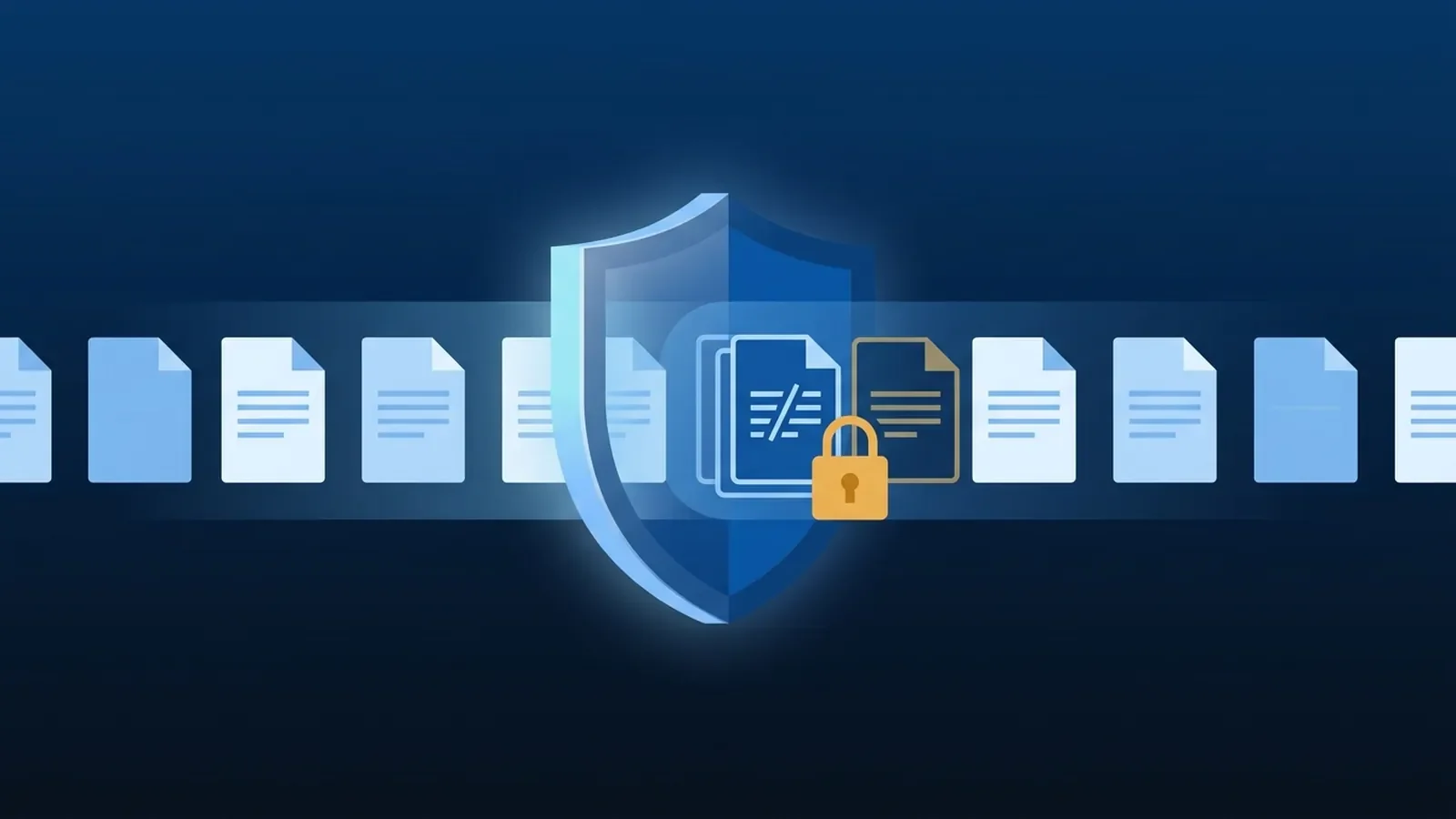
Most data leaks at small organizations aren't hackers. They're a spreadsheet of Social Security numbers emailed to the wrong person, a patient list shared with "anyone with the link," or a file uploaded to a personal account to work on at home. Data loss prevention (DLP) is the set of tools that spots that kind of thing and stops or flags it.
If your organization uses Microsoft 365, you may already be paying for DLP through Microsoft Purview. Here's how it works in plain terms.
What DLP actually does
A DLP policy watches for sensitive information moving somewhere it shouldn't, then takes an action you choose. That's it. The power is in three pieces:
- What counts as sensitive.
- Where to look.
- What to do when it finds something.
Piece 1: What counts as sensitive
Purview comes with a large library of built-in sensitive information types: patterns for things like US Social Security numbers, credit card numbers, bank account numbers, and many health and financial identifiers. They look for more than a number pattern. Most check supporting evidence nearby, such as the words "SSN" or "social security", to reduce false alarms.
You can also create your own types, for example your patient ID or account number format. And you can use sensitivity labels ("Confidential", "Internal only") applied by people or automatically, then have DLP act on the label.
Piece 2: Where it looks
DLP policies apply to locations:
- Exchange email
- SharePoint sites
- OneDrive accounts
- Teams chats and channel messages
- Windows and macOS devices (endpoint DLP)
Piece 3: What it does
Actions range from gentle to strict:
- Policy tip. A message in Outlook or on the file warning the user that what they're about to share looks sensitive. Often this alone changes behavior.
- Block with override. Stops the action but lets the user proceed with a business justification, which is logged.
- Block. Stops it outright.
- Alert and report. Notifies an admin and records the event so you can see patterns.
Licensing: the part that trips people up
DLP isn't in every Microsoft 365 plan, and coverage differs by location. According to Microsoft's service description, DLP for Exchange, SharePoint and OneDrive is included in Microsoft 365 Business Premium, E3 and E5. DLP for Teams chats and endpoint DLP on devices are licensed at the E5 level, not in Business Premium alone (DLP and Microsoft Teams). If you need those, you may only need E5-level licenses for the people who handle the most sensitive data, not for everyone. Check your licensing against the locations you need before you design the policy, not after.
How to roll it out without breaking things
The biggest DLP mistake is turning on blocking everywhere on day one. Your billing team suddenly can't send claims, people start working around it, and the project gets shelved. A better path:
- Pick the one or two kinds of data that matter most. For a medical practice that's usually patient identifiers and Social Security numbers. For a financial firm, account numbers.
- Start in simulation mode. Purview lets you run a policy in simulation, so it reports what it would have caught without affecting anyone. Run it for a few weeks.
- Read the results with someone who knows the workflow. Some hits are real risks; some are legitimate daily work that needs an exception, such as a billing mailbox that has to send to a clearinghouse.
- Turn on policy tips next. Warn before you block. It teaches people and shows you how often the policy fires.
- Then block the clear-cut cases. Sensitive data emailed to personal addresses, or shared publicly from SharePoint, are good first candidates.
- Review regularly. Use the alerts and activity reports to tune the policy as the business changes.
An example: a small medical practice
Say a practice's billing team regularly emails statements to a clearinghouse, and front desk staff sometimes email scanned insurance cards. A sensible first policy might look like this:
- What: US Social Security numbers and the practice's own patient ID format.
- Where: Exchange email and the SharePoint site where scans are stored.
- Action: a policy tip on any email to an outside address containing those identifiers, with a block on emails to personal addresses like free webmail accounts, and an exception for the clearinghouse's domain.
After a few weeks in simulation, the practice would know how often each rule fires and whether the clearinghouse exception is right, before anyone's workday is affected.
What DLP doesn't do
- It doesn't fix oversharing that already exists. If a folder of patient records is shared with everyone, DLP may flag new sharing, but someone still needs to clean up the old permissions.
- It doesn't replace training. People still need to know why the tip popped up.
- It doesn't make you compliant by itself. It's one technical safeguard that supports your HIPAA, FINRA or PCI obligations, alongside access controls, encryption, backups and documentation.
Getting it set up
DLP is a good fit for any organization that handles sensitive data and already runs Microsoft 365. It sits alongside the rest of our cybersecurity work, and our Purview data loss prevention project covers the full rollout, from picking what to protect to tuning the policies. Want to know what your current licenses already include? Schedule an IT assessment.

No comments yet