
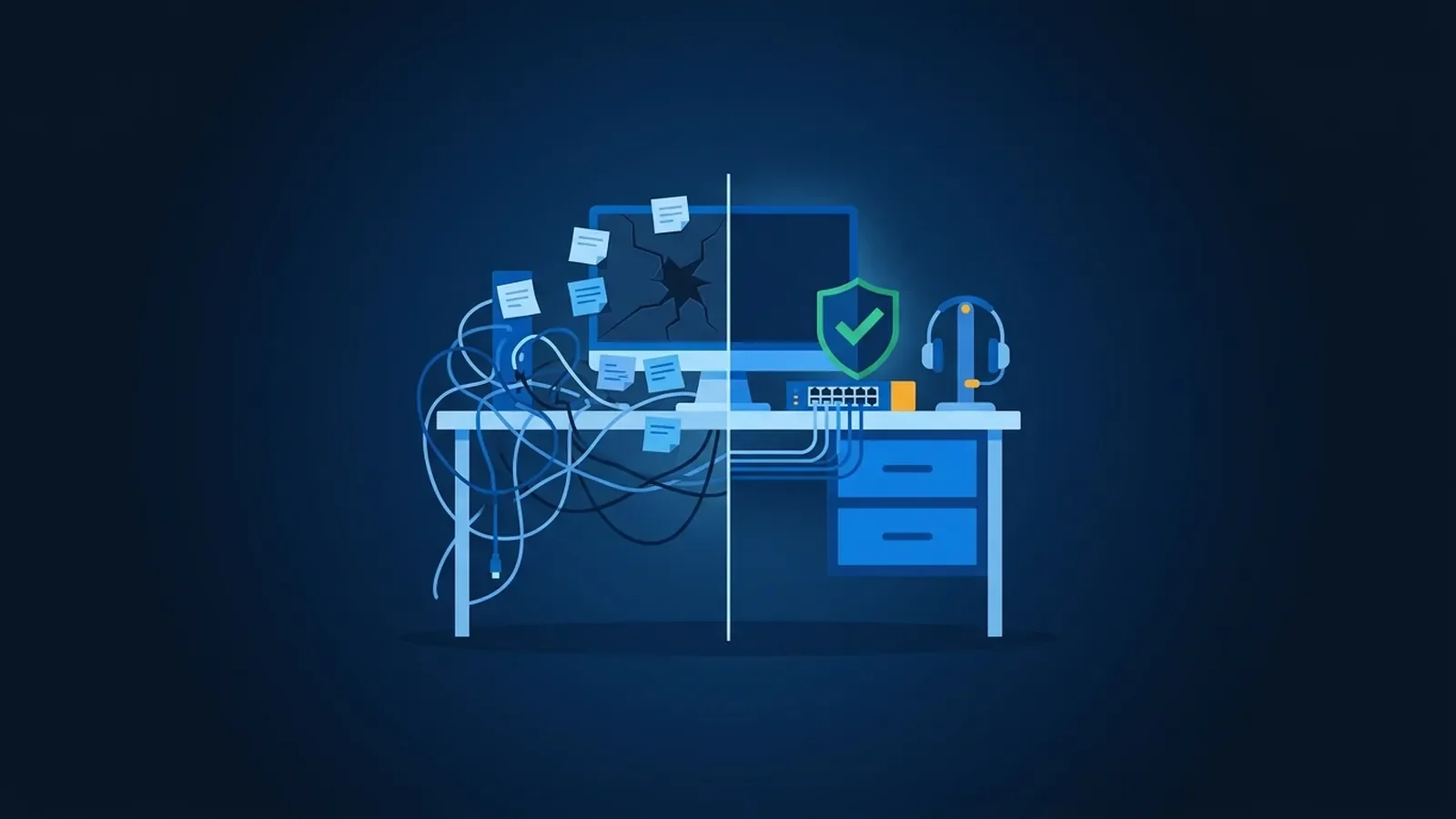
Most small businesses don't decide to hire a managed IT provider. They drift toward it after the third time the same thing breaks, or the week the person who "handles the computers" goes on vacation. If you're wondering whether it's time, here are the signs we see most often, and what to look for if it is.
First, what "managed IT" means
There are two basic ways to buy IT help:
- Break-fix. You call someone when something breaks and pay for the time it takes to fix it. Simple, but nobody is watching anything in between calls, and the person you call has every reason to fix the symptom and leave.
- Managed IT. A provider takes ongoing responsibility for your systems: help desk, updates, monitoring, backups, security basics and planning, under one agreement. The goal is fewer problems, not faster repairs.
Neither is wrong for every business. But the signs below usually mean break-fix (or no-fix) has stopped working.
10 signs it's time
1. The same problems keep coming back
The printer that drops off the network every week. The laptop that's "always slow." The Wi-Fi in the back office. Recurring problems usually have a root cause nobody has had time to find.
2. Someone became the IT person by accident
An office manager, a partner or the most tech-comfortable employee ends up fixing things on top of their real job. It works until they're out sick, overwhelmed or gone, and in the meantime their actual work suffers.
3. Nobody knows where the passwords are
If the admin passwords for your firewall, Microsoft 365 or domain registrar live in one person's head (or with a former vendor), you don't fully control your own business.
4. You aren't sure your backups work
Plenty of businesses have a backup. Far fewer have restored from it recently. A backup you've never tested is a hope, not a plan.
5. Former employees might still have access
When someone leaves, are their email, Microsoft 365, remote access and app accounts shut off the same day? If the honest answer is "probably," that's a gap.
6. Multi-factor authentication isn't everywhere
Stolen passwords are still one of the most common ways attackers get in. If MFA is on for some accounts but not all, especially email and remote access, you're relying on luck.
7. Your cyber insurance questionnaire was hard to answer
Insurers now ask detailed questions about MFA, backups, patching and training. If you guessed on any of them, that's a sign nobody owns these controls. It can also matter when you file a claim.
8. New hires wait for a working computer
If onboarding means a new employee spends their first day waiting for a laptop, accounts and access, your setup process depends on someone remembering to do it.
9. Updates happen whenever someone gets around to it
Windows, Microsoft 365, firewalls and switches all need regular updates. When nobody is watching, devices go months behind, and that's exactly what attackers look for.
10. You're growing, moving or under new rules
A second location, an office move, a new compliance requirement from a client or regulator. Growth multiplies every gap above.
What to look for in a provider
If several of those hit home, here's what separates a good managed IT provider from a frustrating one:
- People you can reach. You should be able to call and get a person, and know who's working on your issue.
- Someone who can show up. Remote support handles most problems, but some things need hands on hardware. A local provider can come on-site.
- Documentation you own. Your network diagram, passwords and configurations should be written down and accessible to you, not held hostage.
- Security built in. MFA, updates, monitoring and tested backups should be part of the service, not upsells.
- Compliance awareness. If you're in healthcare, finance or another regulated field, your provider should understand the technical safeguards your industry expects, without promising audit outcomes nobody can promise.
- Planning, not just tickets. A good provider helps you plan replacements and budget ahead, so fewer things become emergencies.
Questions to ask before you sign
- Who answers when we call, and what happens after hours?
- What's included, and what's billed separately?
- How do you handle onboarding and offboarding staff?
- How are backups tested, and how often?
- What documentation will we get, and is it ours?
- If we leave, how do we get everything back?
What the first month should look like
Whoever you hire, a good start usually covers the same ground:
- Documentation. An inventory of computers, network equipment, accounts and licenses, plus a network diagram.
- Access. Admin passwords collected and stored securely, former employees' accounts removed, and MFA turned on where it's missing.
- Backups. Confirmed working, with a test restore.
- Updates and monitoring. Every device brought current and watched from then on.
- A list. The problems they found, ranked, with a plan for the rest.
If a provider can't describe something like this, ask how they'll learn your environment.
How we approach it
At Mash IT, managed IT means help desk, updates, monitoring, backups and planning from a local Lexington team that answers the phone and comes on-site when it matters. If you recognized your business in a few of those signs, schedule an IT assessment. We'll look at what you have today and tell you plainly what we'd fix first.

No comments yet